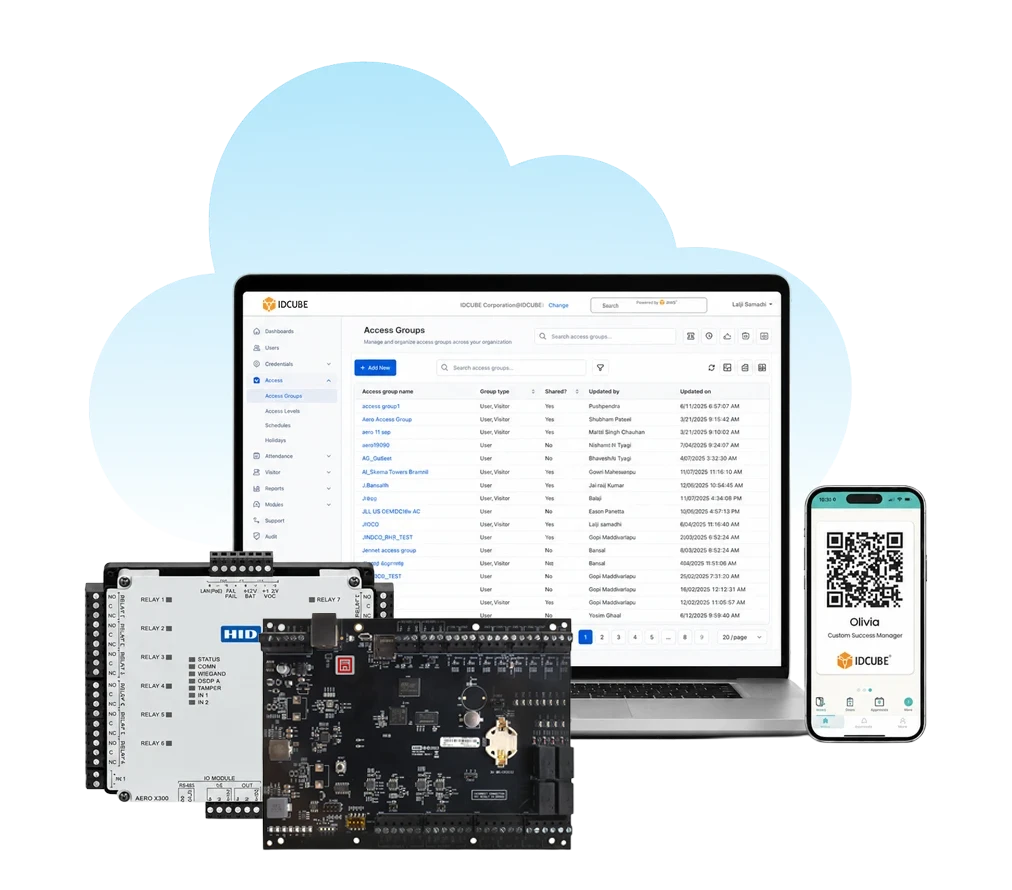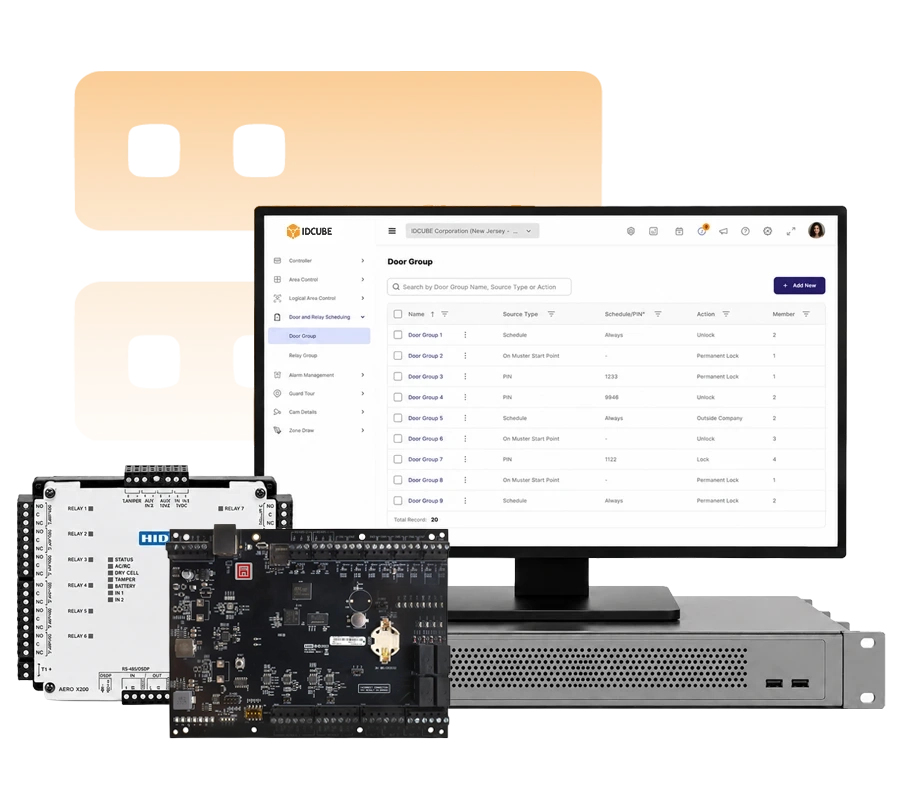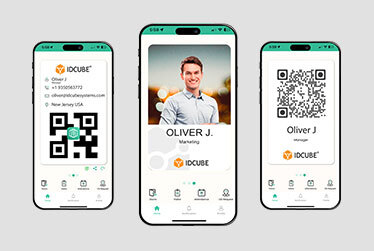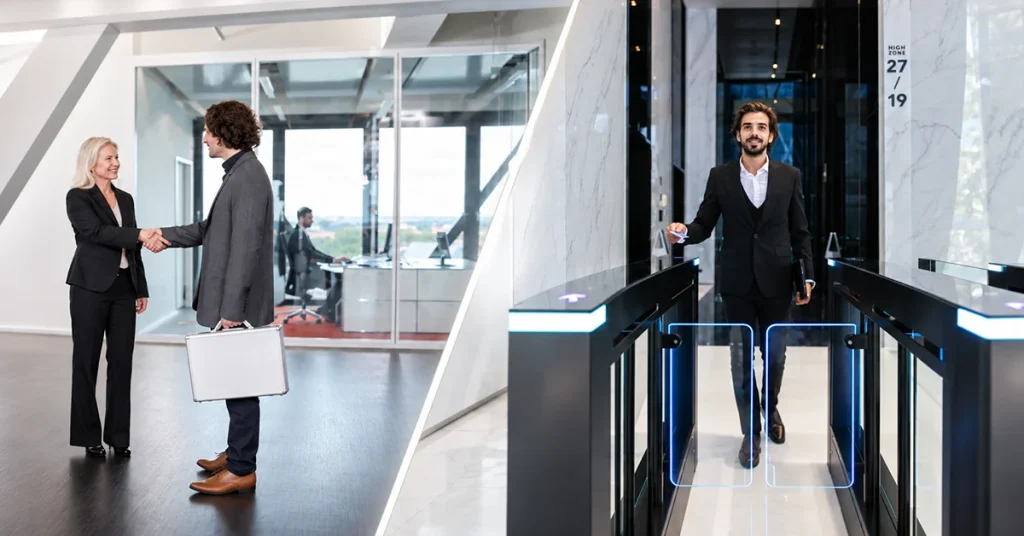
Take control of access across your US facilities with Access Master.
Move beyond rudimentary systems
Strengthen control beyond basic entry. Apply anti-passback, door interlocking, occupancy controls, and elevator permissions.
Overcome limited credential support
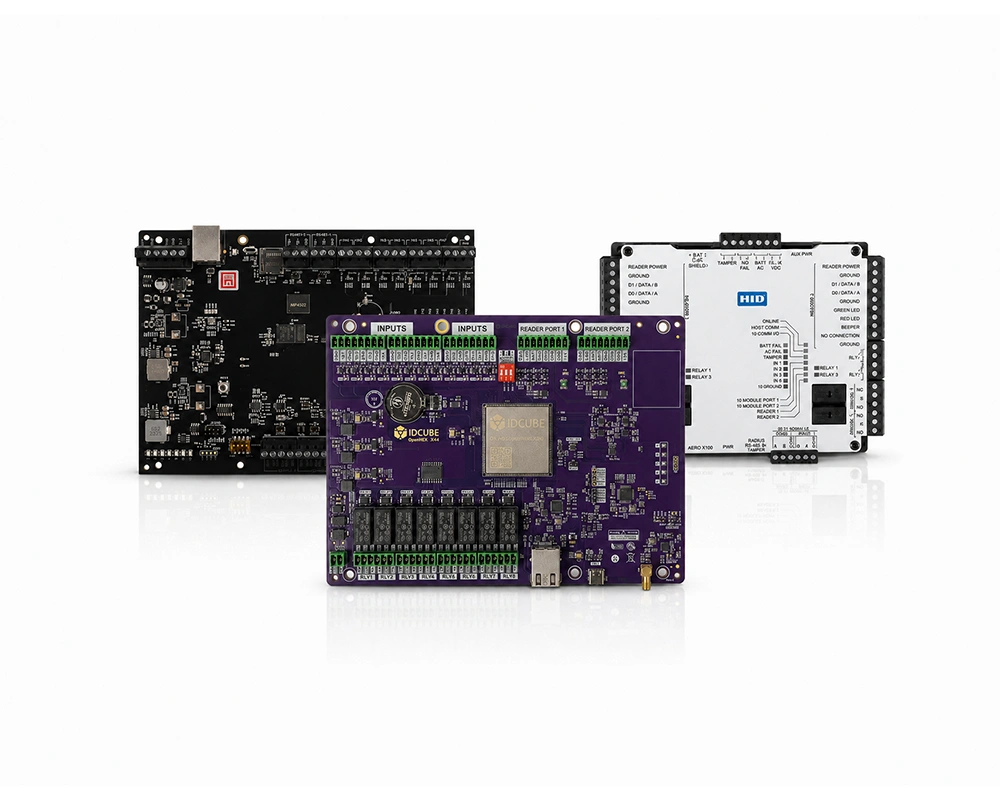
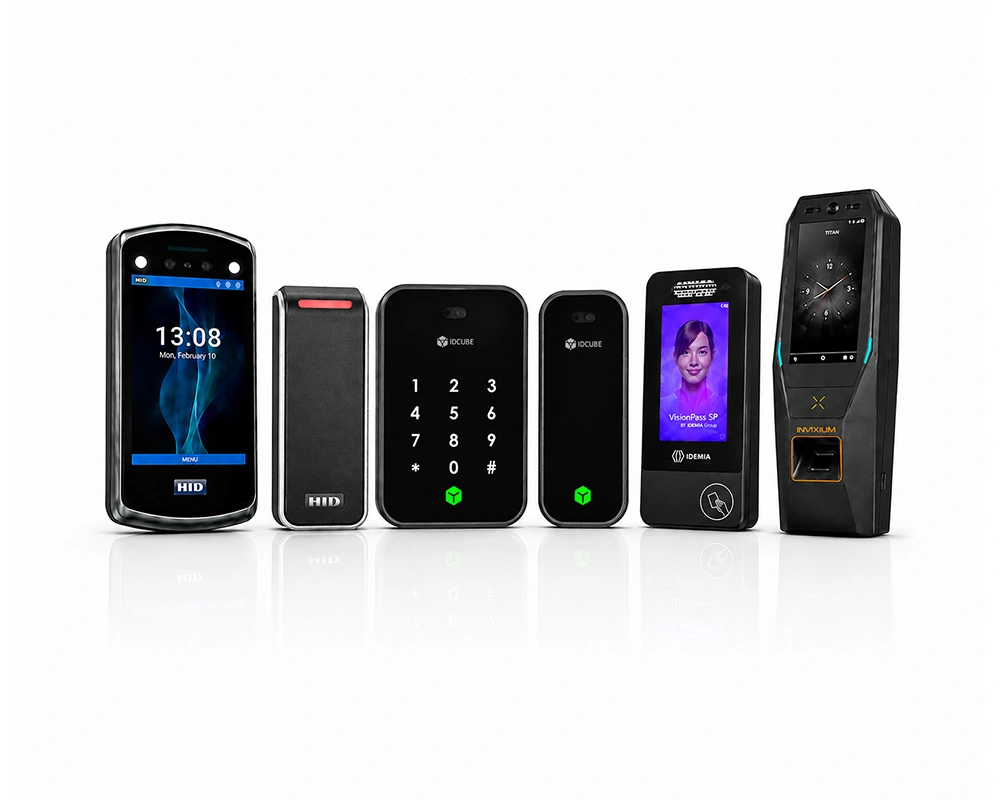
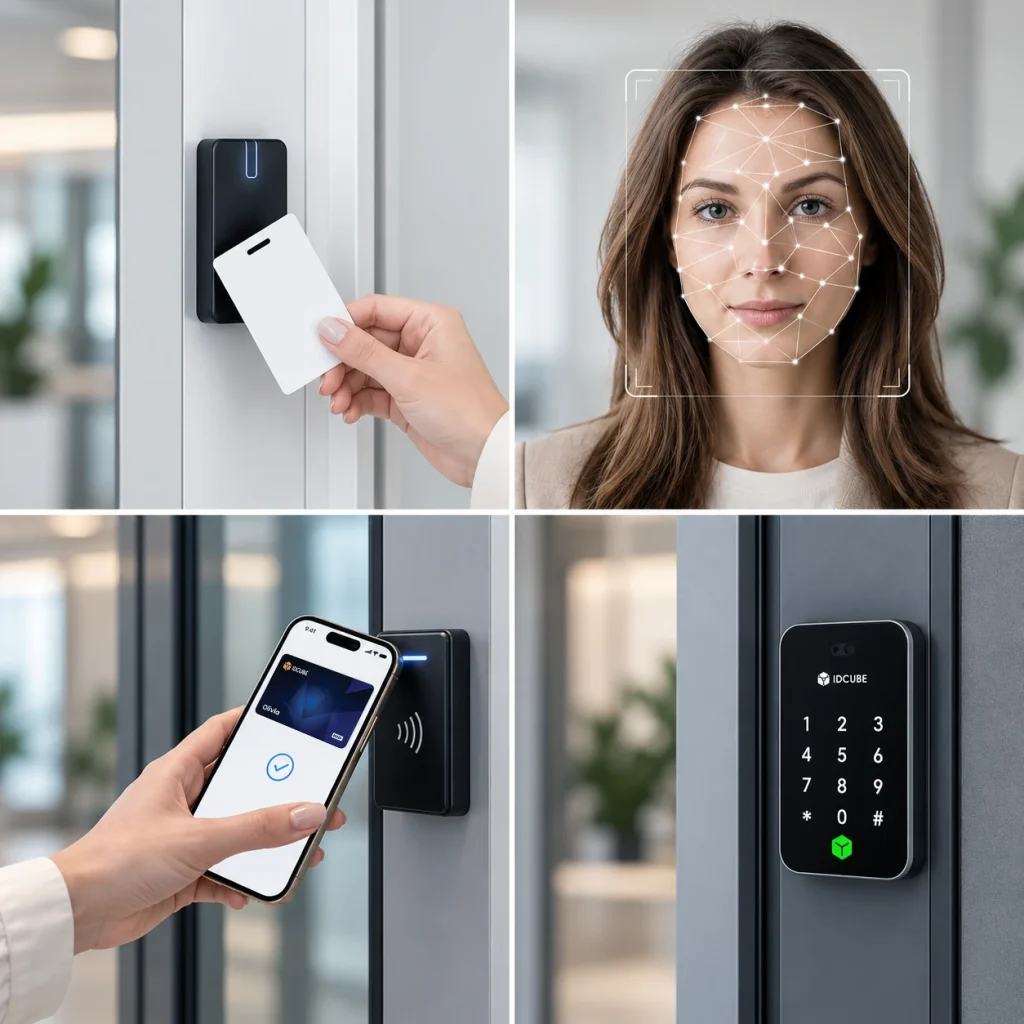
Match entry options to operational needs. Support cards, biometrics, PINs, and mobile credentials through compatible readers and credential services.
Reduce resource-intensive administration
Reduce repetitive setup. Reuse access groups, configure schedules, and automatically assign default access permissions to newly added employees.

Simplify fragmented access operations
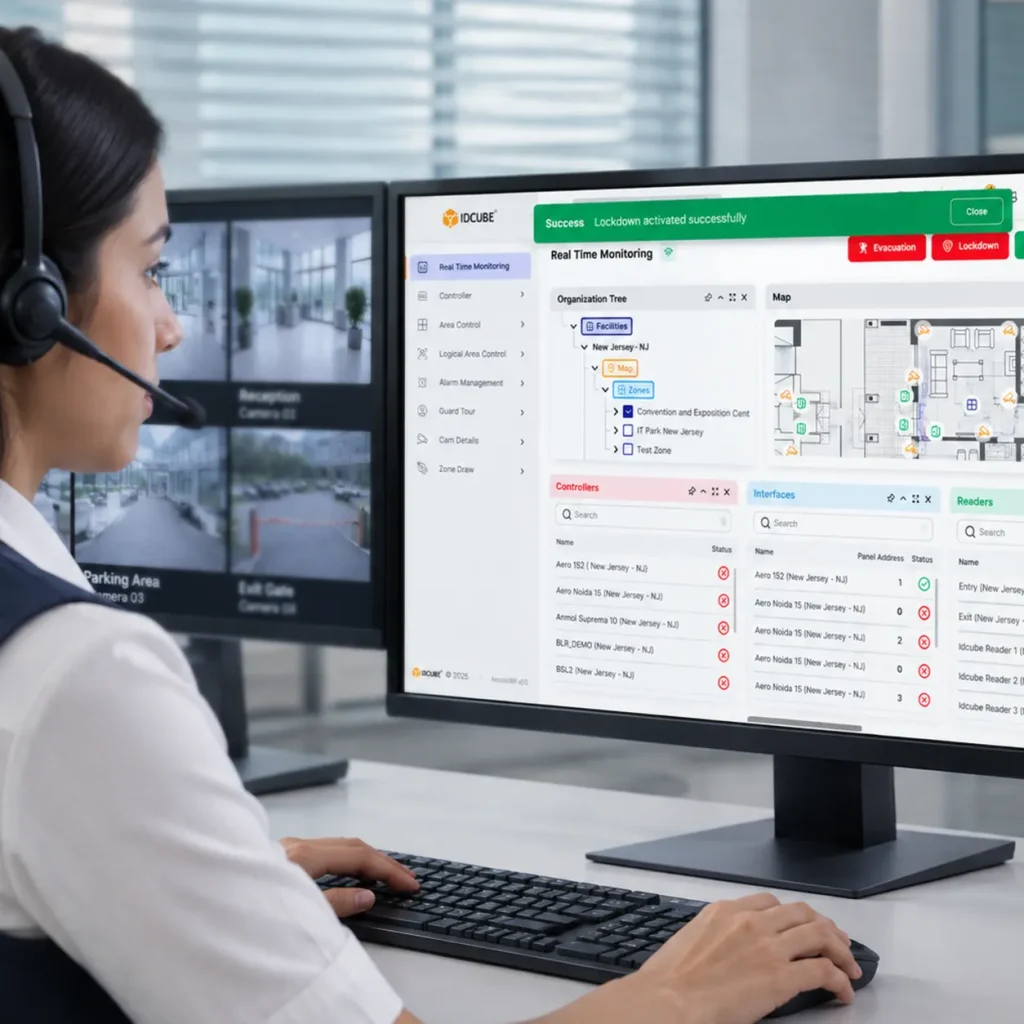
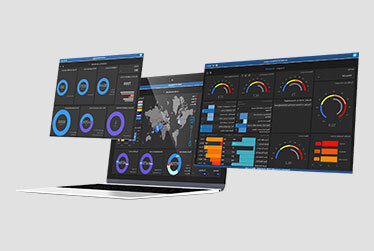
Centralize access control across your US facilities. Manage permissions, monitor door status, and review alarms through a single interface.

Reduce proprietary system constraints
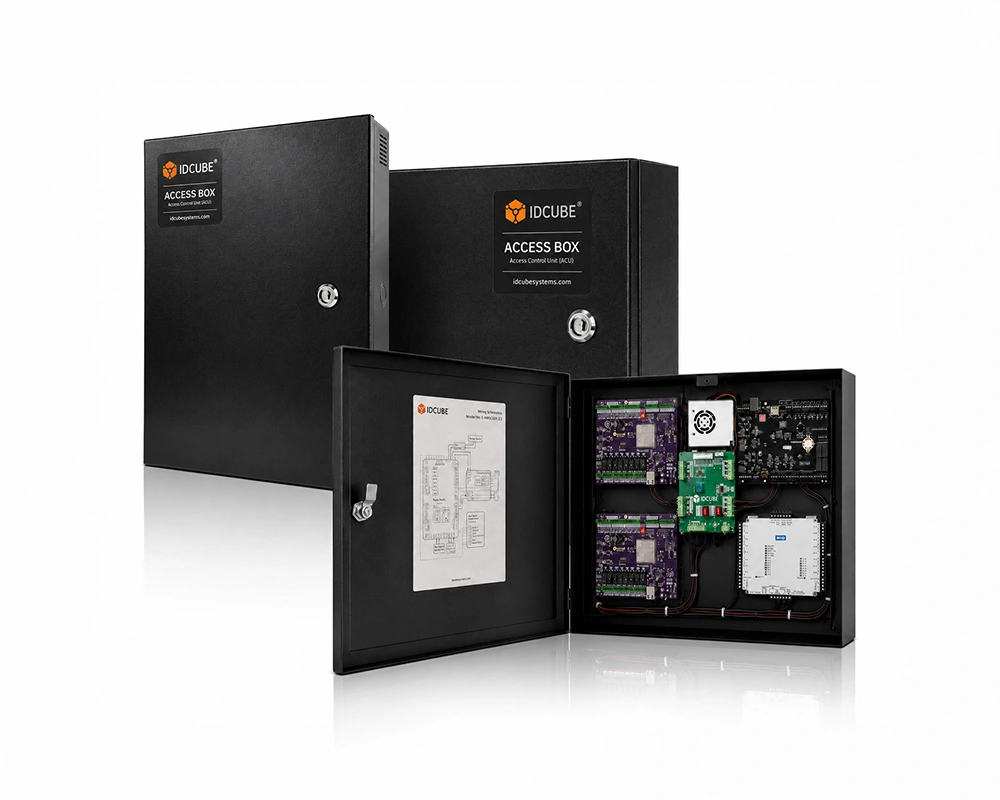
Keep your technology choices flexible. Connect supported controllers and readers, with integrations for HRMS, ERP, and video surveillance systems.
Compare basic standalone access control solution with Access Master’s centralized approach to permissions, monitoring, and coordinated security responses.
| Capability | Basic standalone access control | Access Master |
|---|---|---|
| Permission management | Permissions are configured locally, with changes often repeated at individual doors. | Manage permissions centrally using reusable access groups, schedules, and default permissions for new employees. |
| Multi-site administration | Unconnected installations require separate administration. | Manage connected facilities centrally, with shared access groups for assigned users across branches. |
| Credential flexibility | Credential options depend on the selected standalone device. | Manage access using cards, biometrics, PINs, mobile credentials, and dynamic QR codes through compatible readers and services. |
| Access rules | Local authorization and available time restrictions govern entry. | Apply scheduled permissions, anti-passback, occupancy controls, and door interlocking through supported hardware and configurations. |
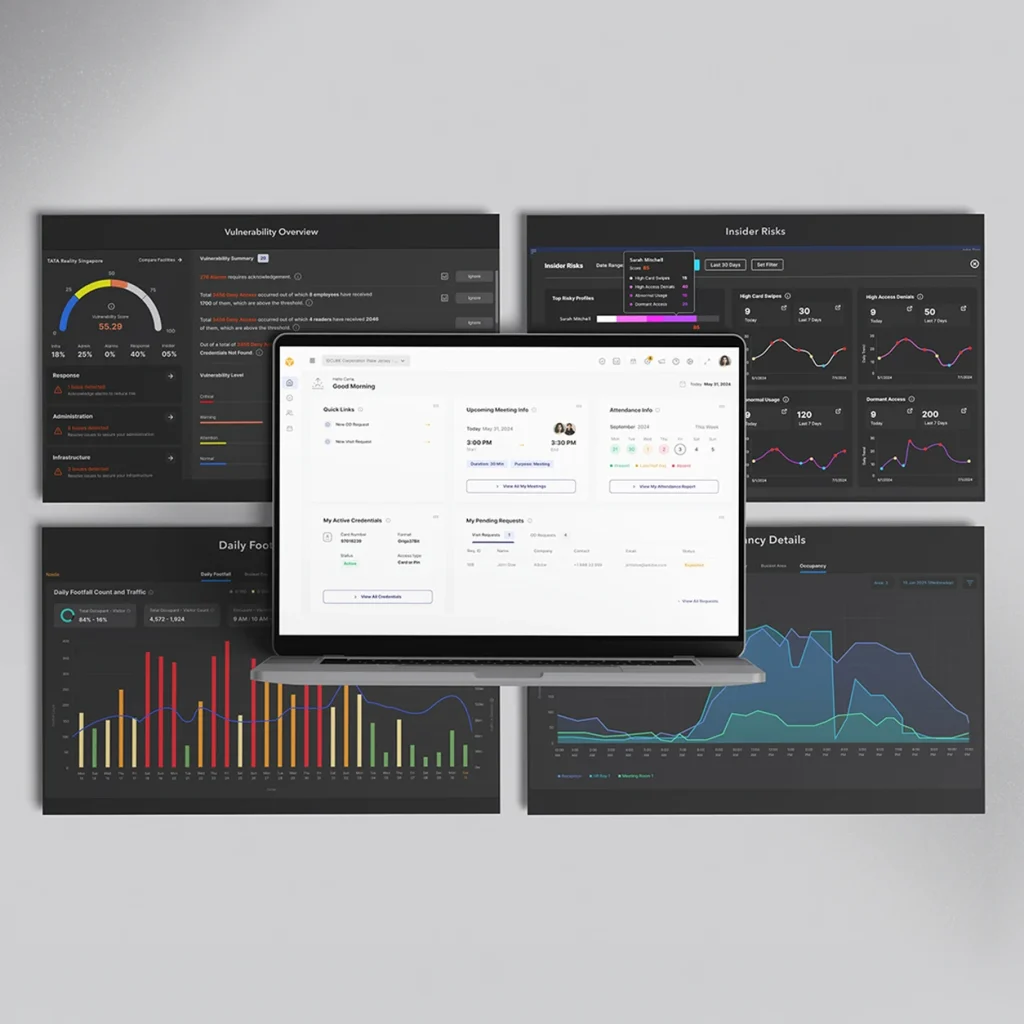
| Monitoring and audit records | Unconnected devices do not provide a live, consolidated monitoring interface. Recording capabilities vary by device. | Bring access events, door status, and alarms into one interface, with access reports and operator audit trails. |
| Emergency coordination | Emergency release depends on local hardware and configured connections. | Coordinate configured door actions and alarm activations across connected access points during lockdowns and fire evacuations. |
| Business and security integrations | Connecting standalone devices to wider workflows requires compatible interfaces and additional systems. | Support configured integrations with compatible HRMS, ERP, video surveillance, and other security systems. |
| Deployment choice | Local door control operates without a centrally hosted management application. | Choose cloud deployment through Access360.AI, or on-premises and supported private cloud deployment through Access360 Helix. |
Fortify customer trust and ensure uninterrupted business flow through rigorous cybersecurity adherence
Cut access management costs by 70% while strengthening security and improving efficiency
Improve accessibility and efficiency with our secure cloud solution for the evolving hybrid workspace
Go paperless and plastic-free to shape a brand that supports a greener future
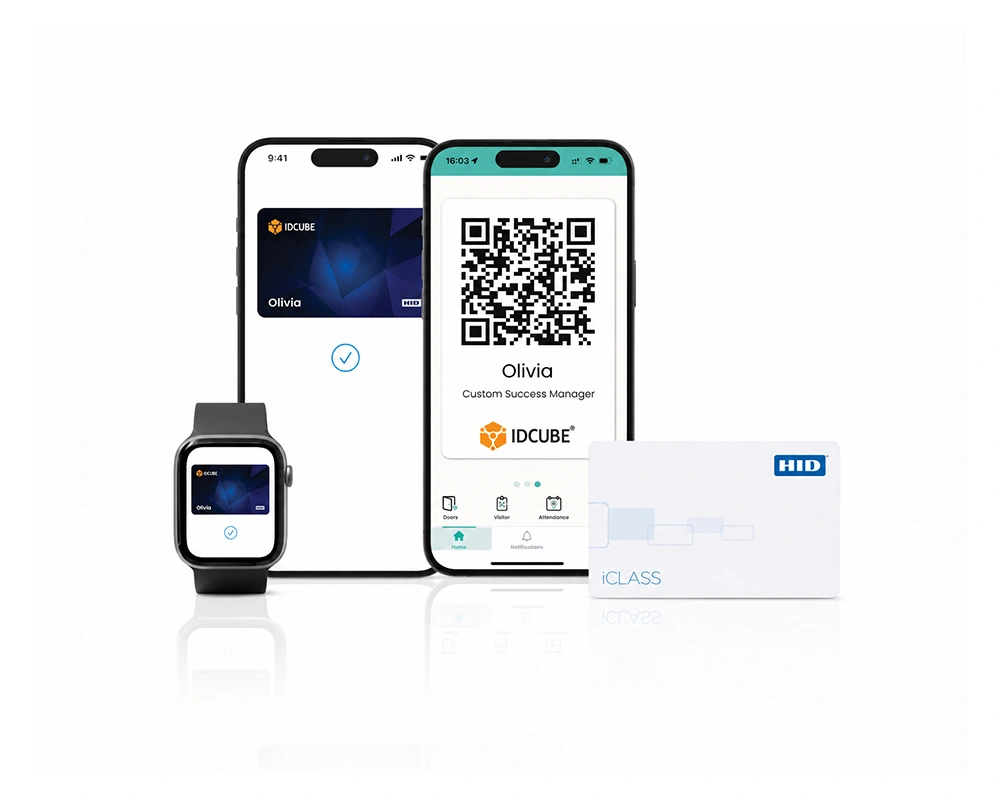
Optimise operations through virtual credentials that offer secure and convenient access
Secure lasting value with trusted identity technology that supports informed, future-ready decisions

Review access master capabilities, supported access workflows, credential options, integrations, and deployment possibilities in this brochure.
Overview Al Barakah Holding operates some of the region’s largest workforce accommodation facilities, managing high-density residential environments where access…
An access control system checks a person’s credentials against assigned permissions to determine whether entry is allowed. Access Master helps organizations manage access control in the USA by defining who can enter specific doors or areas and when. Supported controllers enforce configured rules, while recorded events help security teams monitor and review activity.
Access Master lets administrators configure permissions for employees, visitors, contractors, tenants, and vehicles. Access groups combine reader groups with access schedules to define permitted entry points and times. Time codes, time zones, holidays, and holiday groups help your team apply working-hour and holiday rules without configuring each user’s door permissions separately.
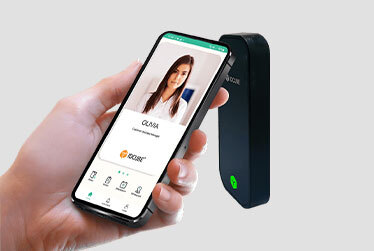
Cards, biometrics, PINs, mobile credentials, and dynamic QR codes can support door access control, depending on compatible readers and credential services. Access Master links supported credentials to assigned permissions. Your selected hardware, integrations, and deployment configuration determine which authentication methods are available.
Access Master is available through Access360.AI for cloud deployment and Access360 Helix for on-premises or supported private cloud deployment. Your choice depends on hosting requirements, IT resources, and operational policies. Some configuration options differ between platforms, so confirm that your chosen deployment supports the required access workflows.
Centrally managed access control systems help authorized teams administer permissions across connected US facilities. Access Master supports shared access groups for cross-branch access. Access360.AI lets administrators select which branches receive a shared group. In Helix, enabling sharing makes the group visible to all associated branches for user assignment.
Access Master supports anti-passback, multi-man rules, occupancy management, and multi-door interlocking through supported hardware and configurations. These controls strengthen access control security by governing credential-use sequences, multi-person authorization, occupancy, and coordinated door operation. Where supported, hard multi-man rules require all defined roles to authenticate before entry is granted.
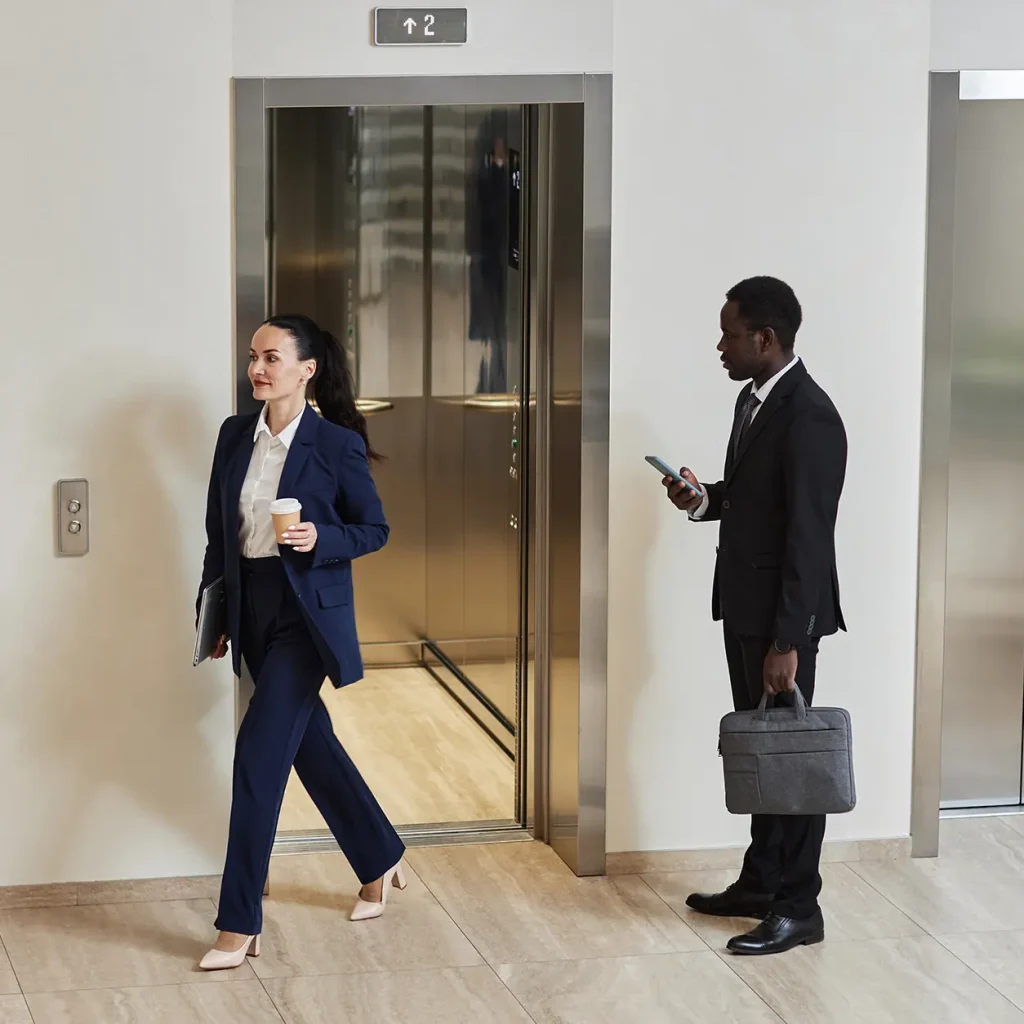
A door access control system can include elevator floor permissions through supported controllers and elevator interfaces. Access Master uses elevator groups to define permitted floors for assignment through access groups. Compatible Mercury and Aero configurations support time zones for individual floors or a common time zone across selected floors.
Authorized operators can initiate lockdown, emergency evacuation, and reset-to-normal commands for a selected branch or door action group. Access Master also provides area counts and location records based on configured movement tracking. These records help your team assess emergencies, with accuracy dependent on captured entry and exit activity.
Integrated access control solutions connect identity and physical security workflows across supported systems. Access Master supports integrations with HRMS, ERP, video surveillance, and building management systems. Available data exchange and operator actions vary by integration. Confirm compatibility and the required workflows for your proposed deployment.
Discuss your facility’s entry points, user permissions, and integration needs with IDCUBE. Explore how access master can support your access control system in the USA with flexible access control solutions across your enterprise locations.
Fill out the form below to download the file
Error: Contact form not found.

Fill out the form below to download the brochure
Error: Contact form not found.